Ruler Types
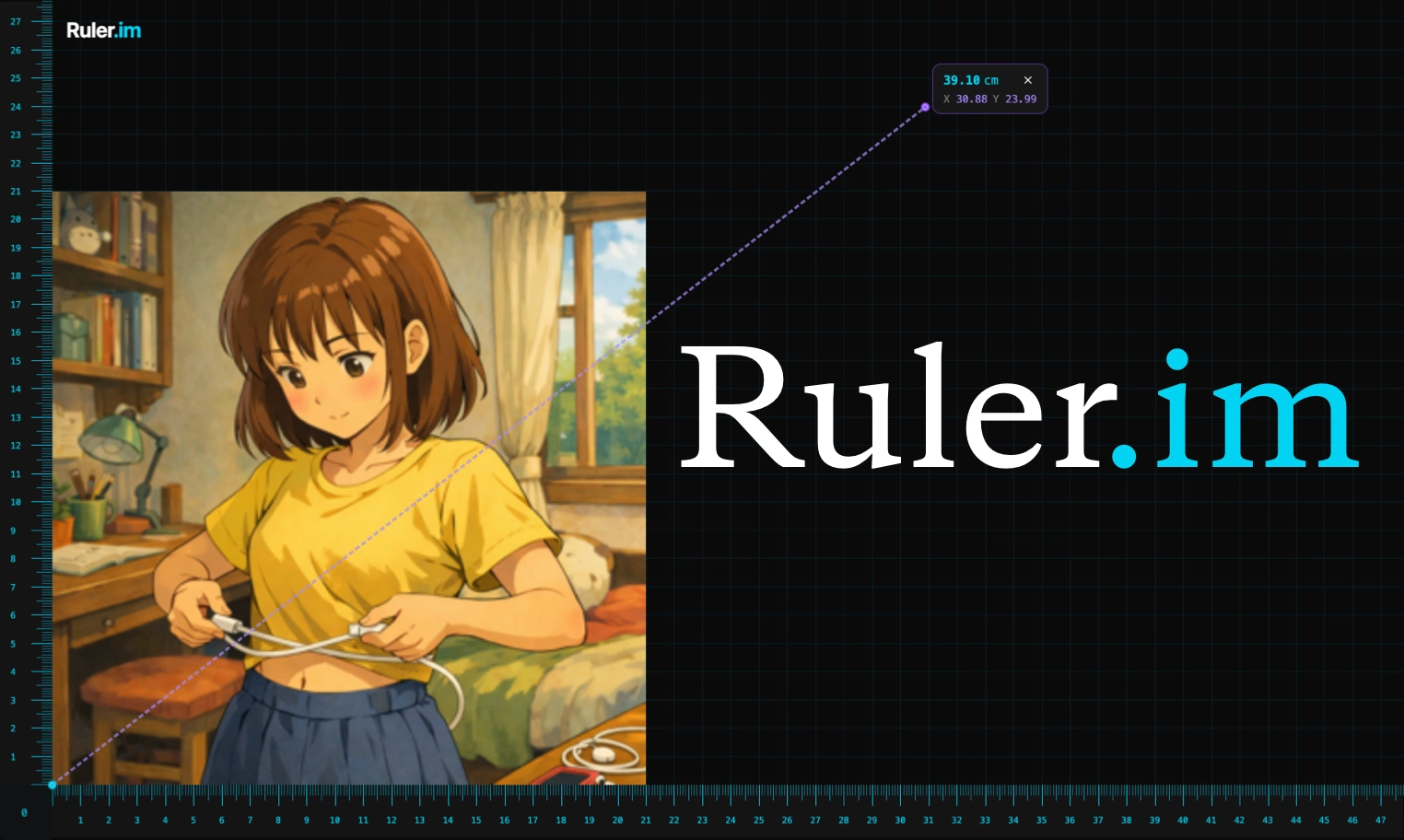
Screen Ruler
Screen Ruler
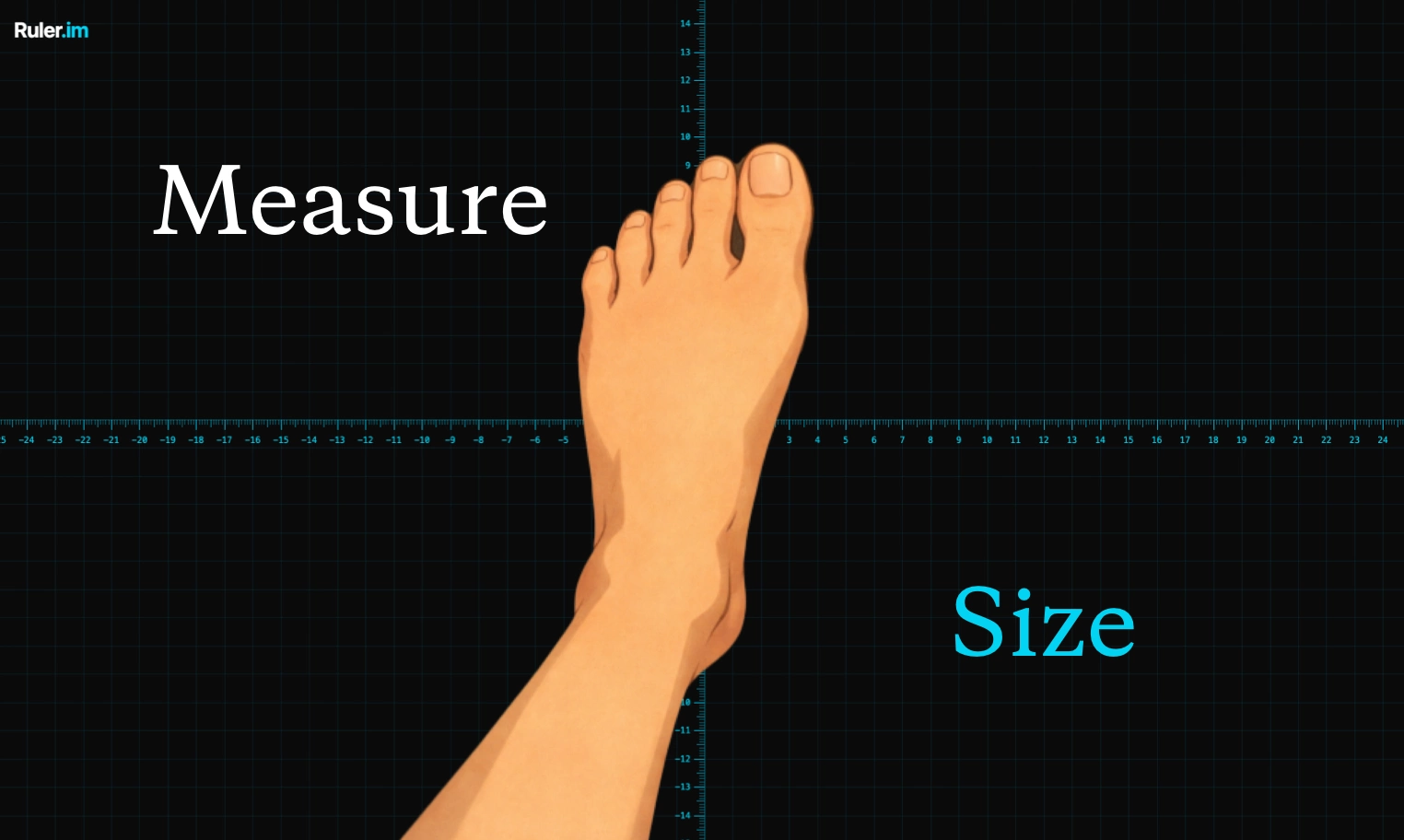
Quadrant
center origin
Concentric Circle
Measure Radius/Diameter
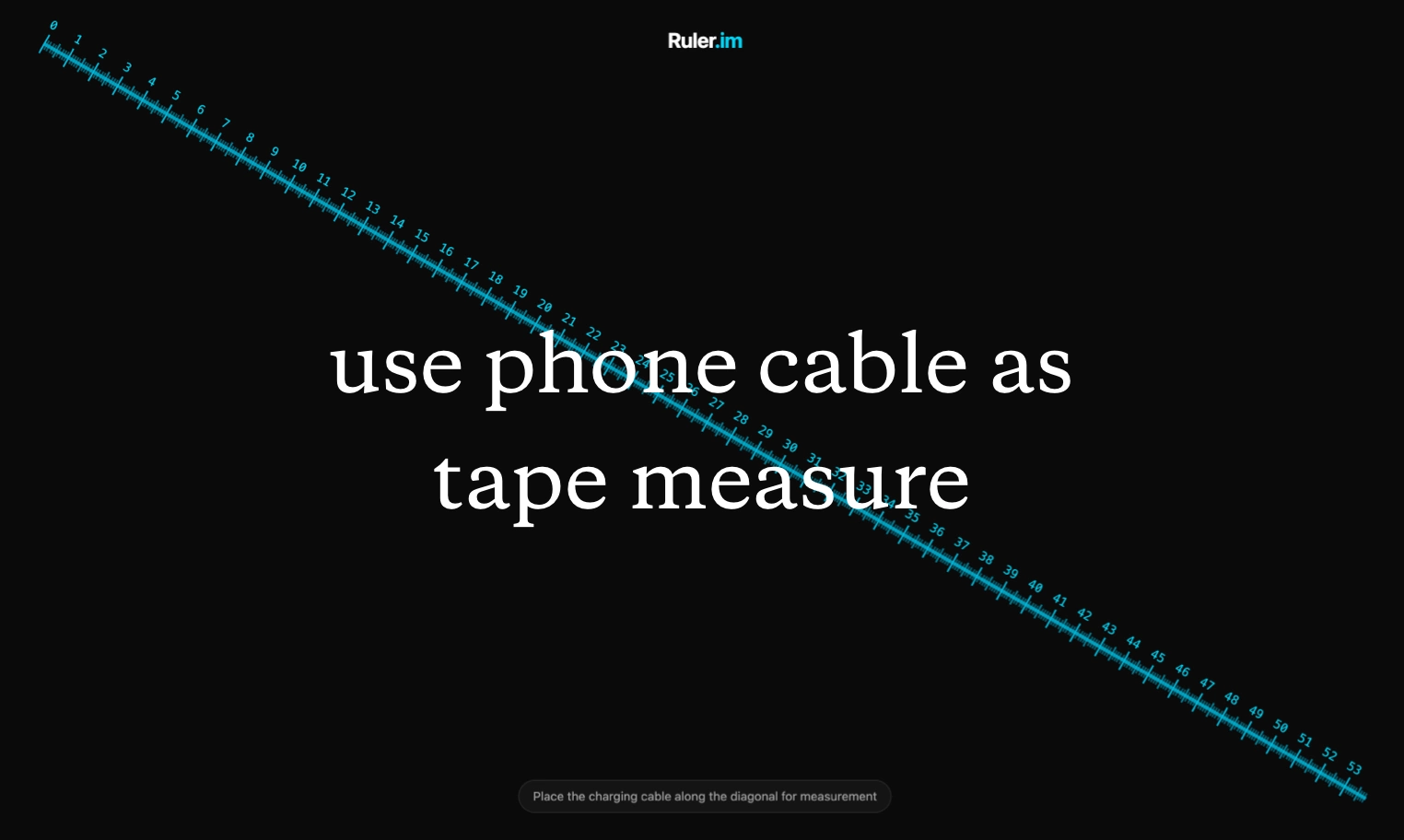
Tape Measure
Measure Line, then Measure Others
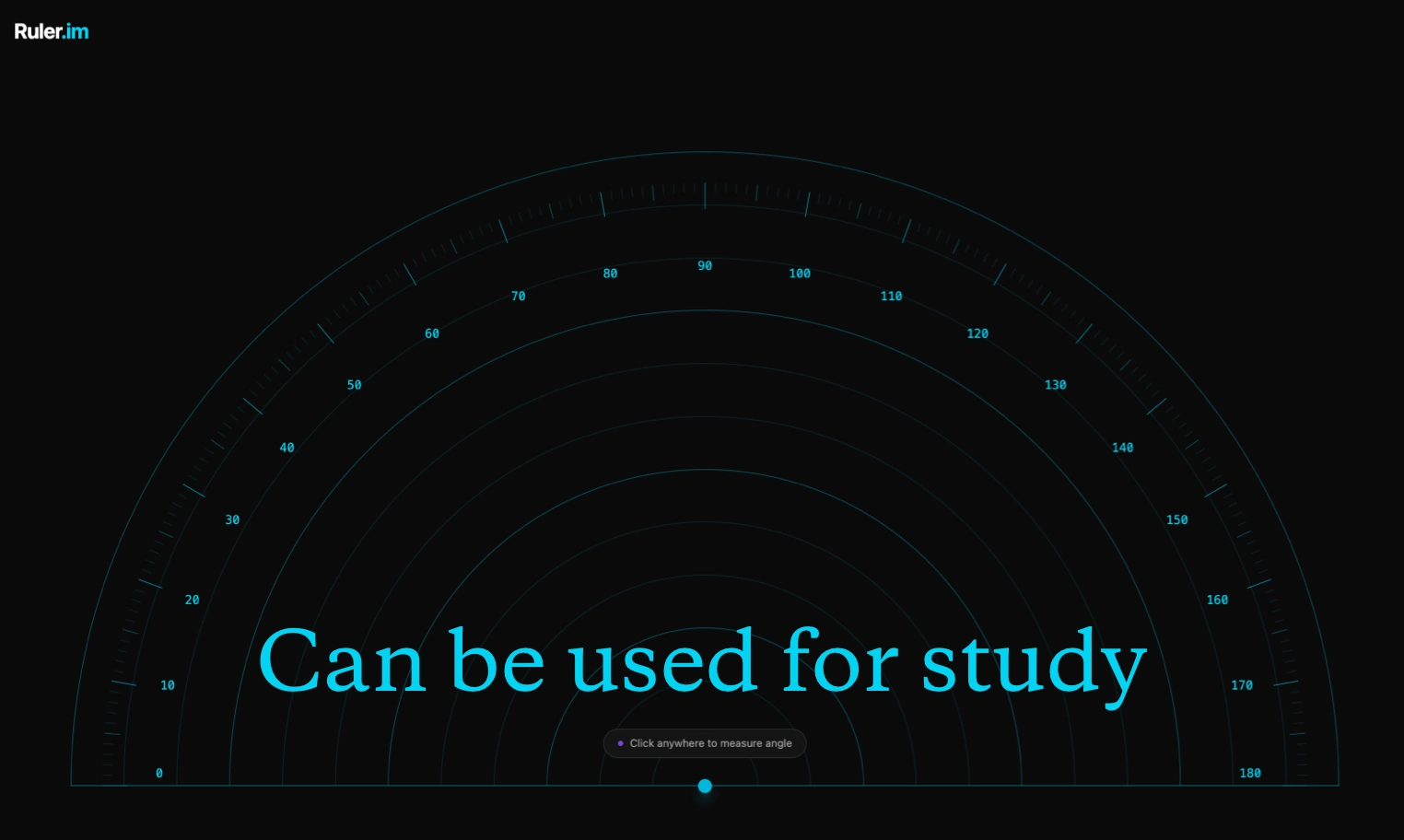
Protractor
Measure Angle
Online Ruler
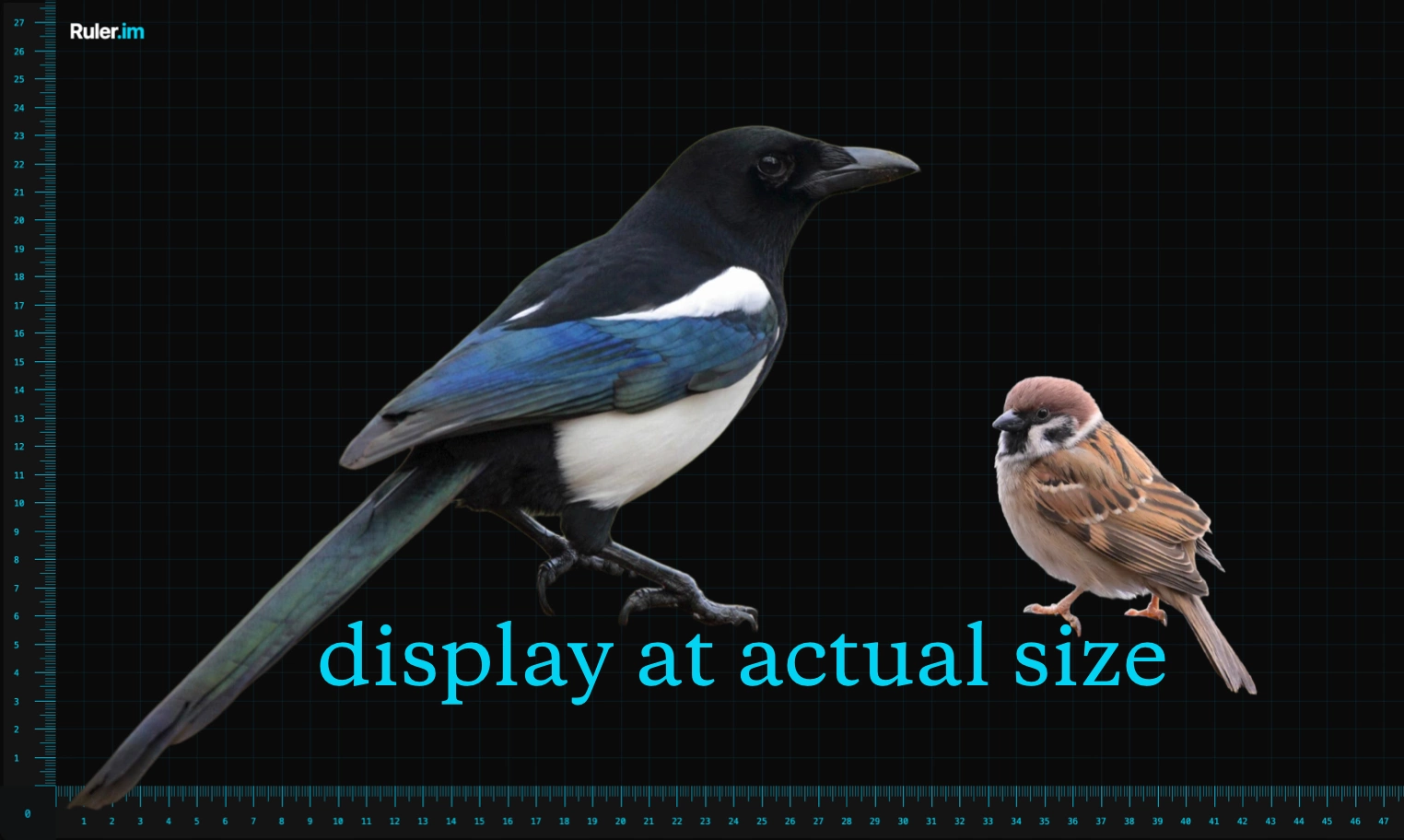
Years ago, a friend asked me if I had a ruler. Instinctively, I handed him my USB cable and looked up its length - that "Aha moment" inspired me to create an online ruler. Ruler.im lets you measure real objects or online images without a physical ruler. It supports multiple measurement modes including shoe size, ring size, bra size, and body measurements, while also displaying images and 3D models in actual size. What you see is what you get - most of the time, you no longer need a physical ruler.
Common Ruler Calibration Objects
Online Ruler Use Cases
 Measure Anything: Using Cables to Measure Waist Size
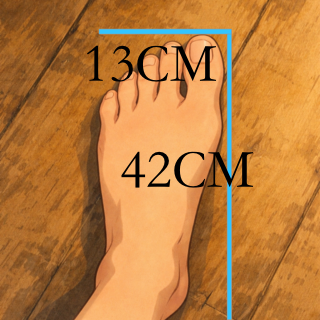 Size Measurement: Determining Size Ranges
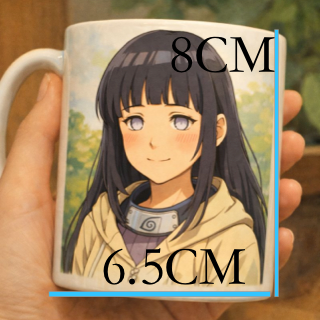 Better Communication: 3D Printing Instruction Image Dimensions
Ruler Length Unit Conversion
What People Are Using Ruler to Measure
Online Ruler FAQs
Recalibrate the online ruler after changing browser zoom, switching monitors, rotating a phone, or opening the page on a different device. Real-size measurement depends on pixel density and zoom, so calibration keeps centimeter and inch marks aligned with the physical screen.
A browser cannot reliably know the exact physical size of every display, the active zoom level, and the real pixel density at the same time. A standard credit card gives the online ruler a physical reference, which is why calibration is the most dependable method.
Ruler.im includes a screen ruler, quadrant ruler, circle ruler, tape measure, and protractor. You can use the tools on real objects, uploaded images, screenshots, drawings, product photos, and quick layout references in centimeters or inches.
Calibrate with a standard credit card, open fullscreen mode when you need more space, then place the object on the display or upload an image. The screen ruler can show real-size centimeter and inch references for small objects, photos, sketches, rings, cards, and foot outlines.
Upload an image when size communication matters: product photos, custom parts, shoe fitting, ring checks, craft work, and 3D printing references. A marked image is easier to share because the measurement labels stay attached to the visual context.
Yes. After calibration, open the browser in fullscreen mode and use the ruler marks to read the display width, height, or diagonal reference. Recheck calibration if the browser zoom or device orientation changes.
Online Ruler Features