Calibrate Your Screen
Slide to match the card edge
Online Ruler & Screen Ruler
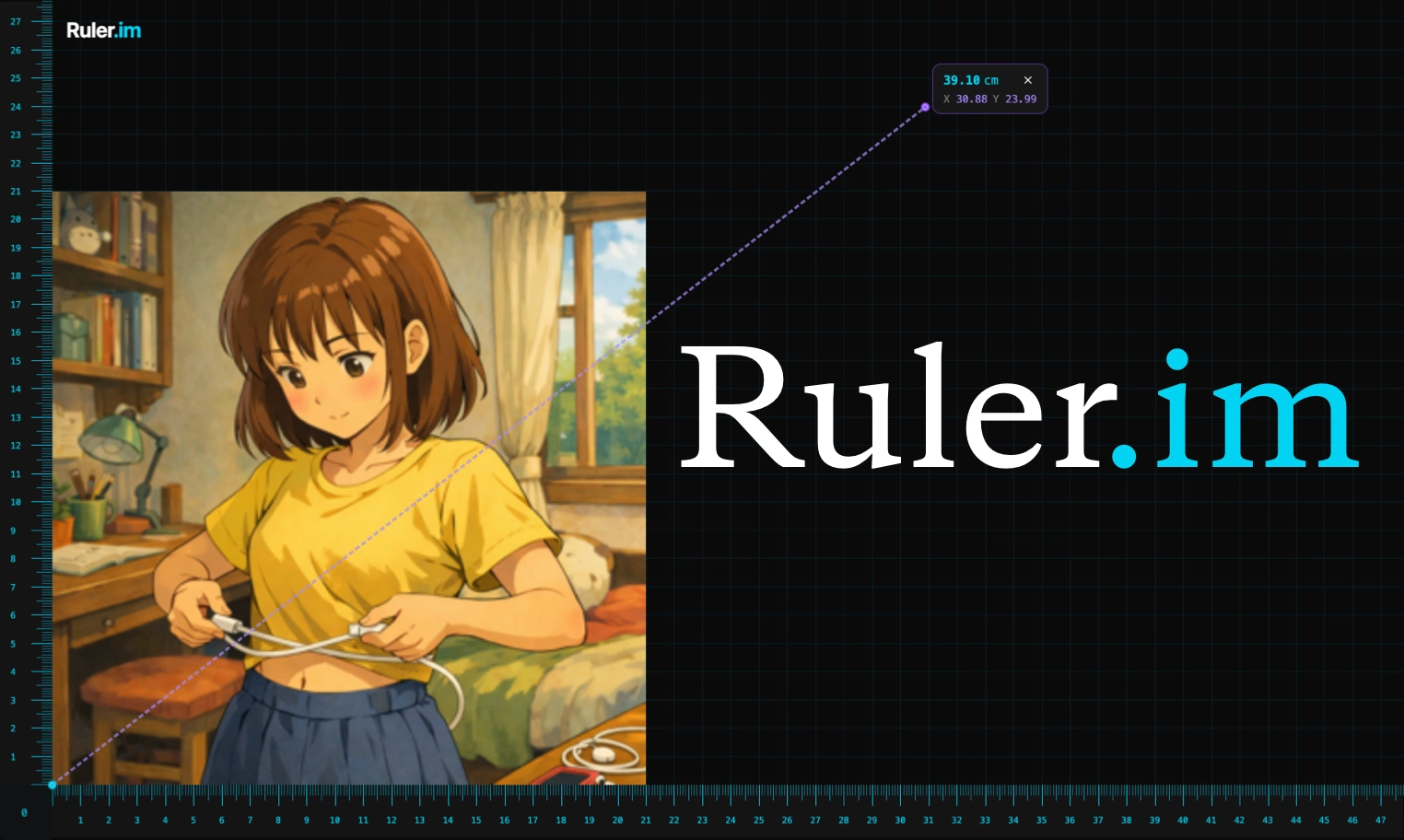
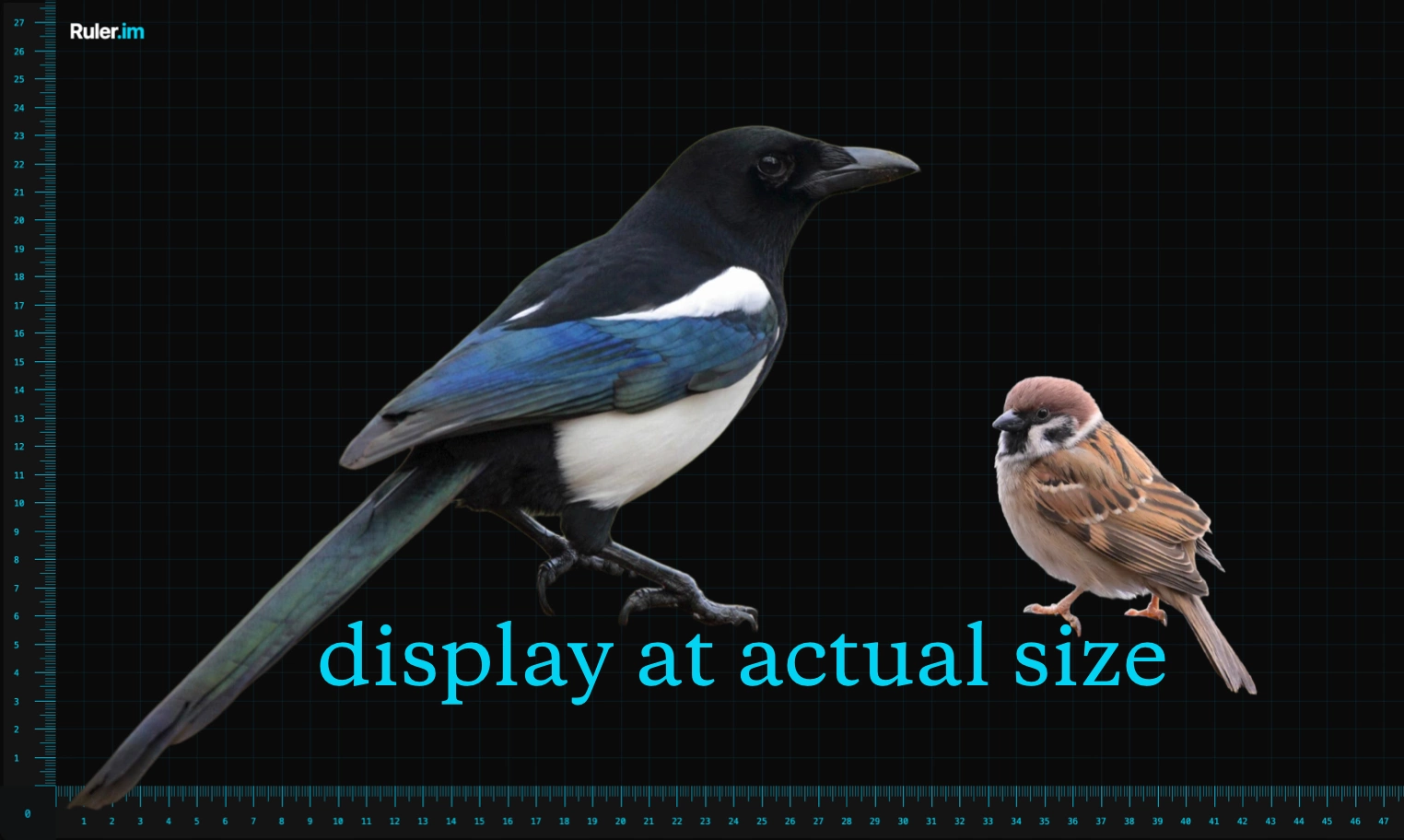
Ruler.im combines an Online Ruler with a calibrated Screen Ruler and X/Y guides. Measure real objects or uploaded images at actual size, check width, height, and alignment, and read centimeters, millimeters, or inches directly on your display.
Common Ruler Calibration Objects
Online Ruler Use Cases
Ruler Length Unit Conversion
What People Are Using Ruler to Measure
Online Ruler FAQs
Recalibrate the online ruler after changing browser zoom, switching monitors, rotating a phone, or opening the page on a different device. Real-size measurement depends on pixel density and zoom, so calibration keeps centimeter and inch marks aligned with the physical screen.
A browser cannot reliably know the exact physical size of every display, the active zoom level, and the real pixel density at the same time. A standard credit card gives the online ruler a physical reference, which is why calibration is the most dependable method.
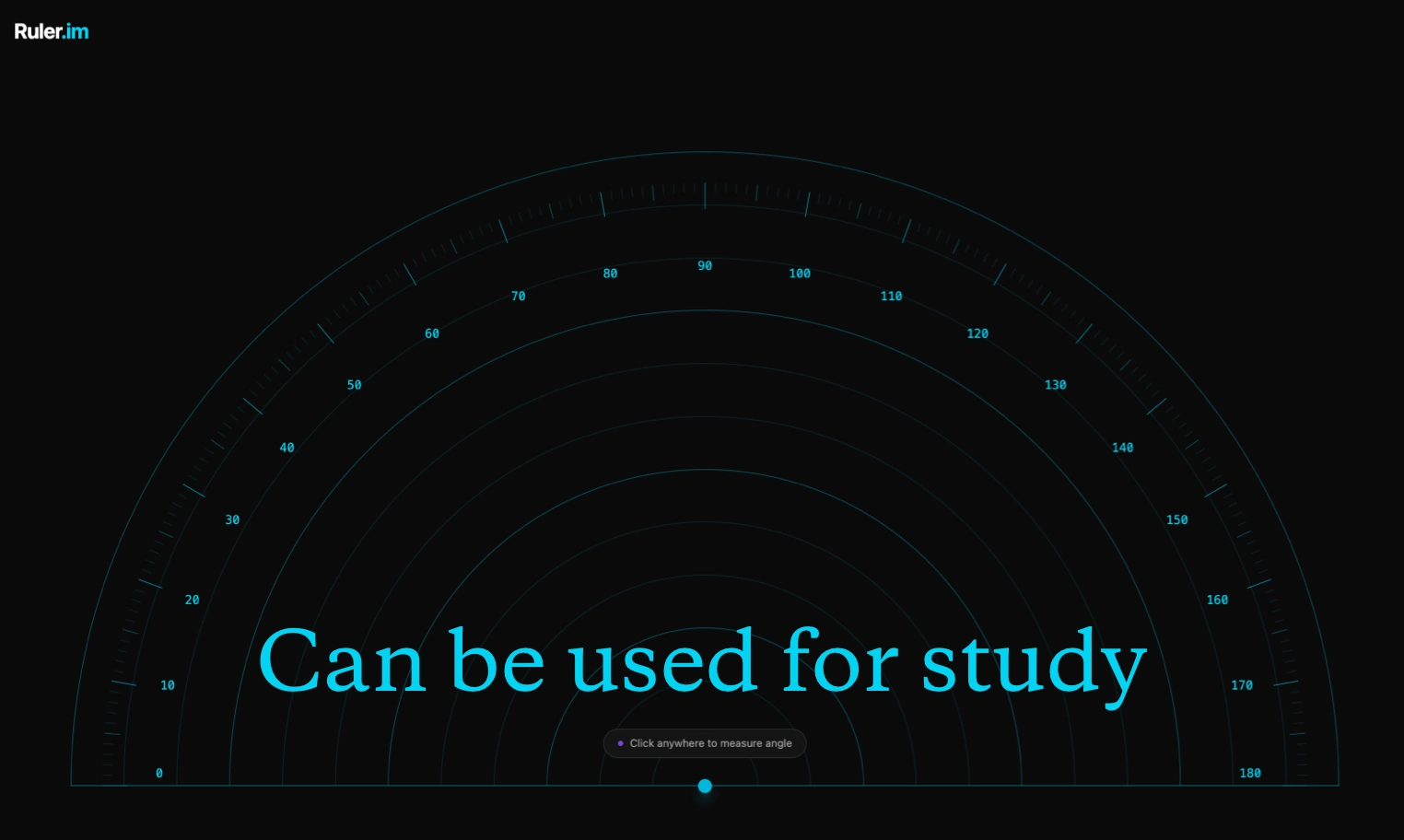
Ruler.im includes a screen ruler, quadrant ruler, circle ruler, and protractor. You can use the tools on real objects, uploaded images, screenshots, drawings, product photos, and quick layout references in centimeters or inches.
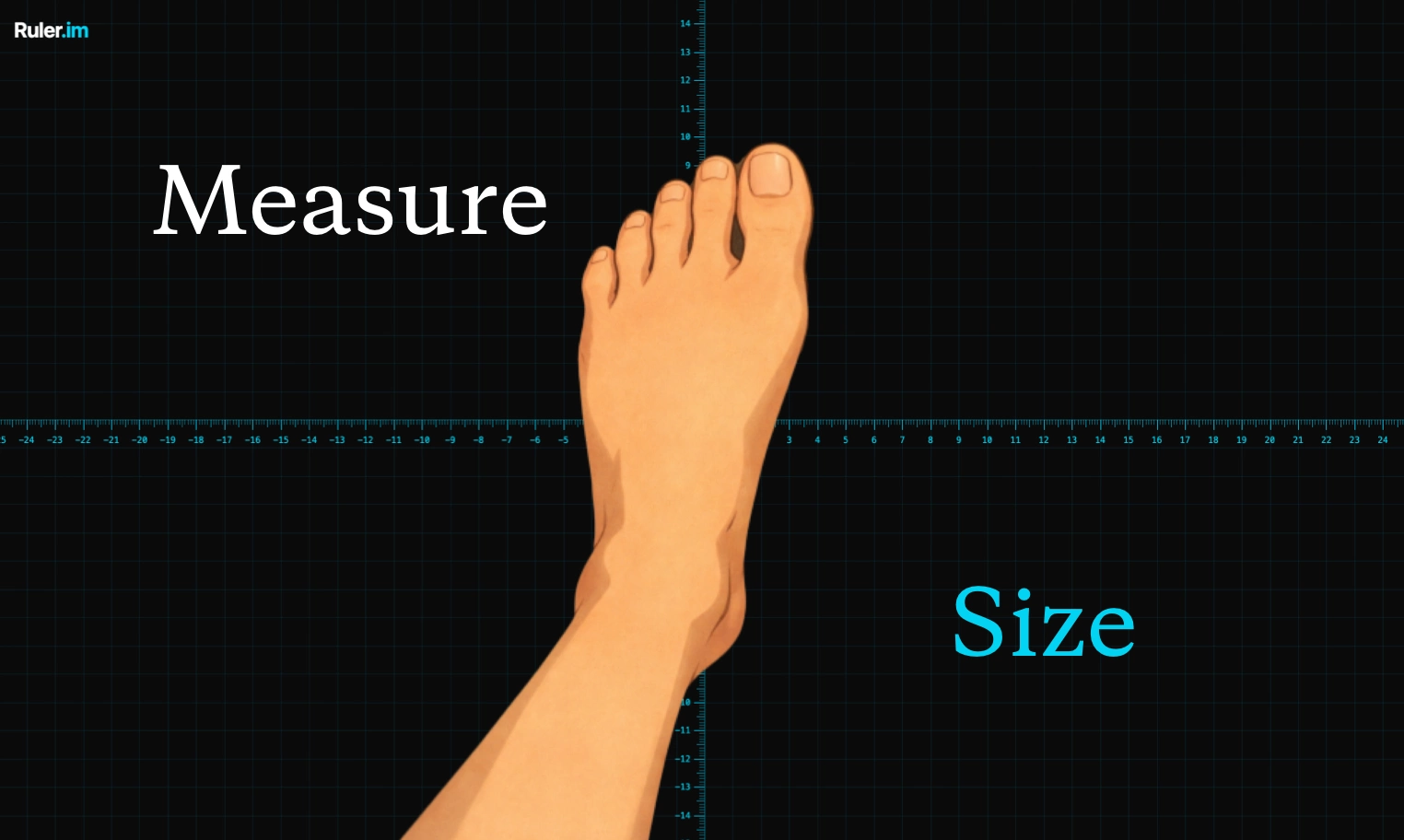
Calibrate with a standard credit card, open fullscreen mode when you need more space, then place the object on the display or upload an image. The screen ruler can show real-size centimeter and inch references for small objects, photos, sketches, rings, cards, and foot outlines.
Upload an image when size communication matters: product photos, custom parts, shoe fitting, ring checks, craft work, and 3D printing references. A marked image is easier to share because the measurement labels stay attached to the visual context.
Yes. After calibration, open the browser in fullscreen mode and use the ruler marks to read the display width, height, or diagonal reference. Recheck calibration if the browser zoom or device orientation changes.
Online Ruler Features